c88q Login: Back Inside Your Account On One Screen
One form, two ways in. Type the password on a borrowed phone, or open the app and confirm with the PIN you set. Either one takes you straight to the lobby, the cashier and your open bets.
18+ · Play Responsibly
How the c88q login screen works, step by step
The form has two boxes and one tick box. Most players clear it in under a minute, and the only slow part is the SMS code that a new device always asks for.
-
Open the sign-in screen
Tap Log In in the top right corner of any page, or open the app and choose Sign In. The screen asks for a mobile number and a password, nothing more. Landed on the registration page by mistake? The switch link sits under the form.
-
Type the number behind the account
Use the Bangladeshi mobile number you gave at sign-up, written as 01XXXXXXXXX. Leave out +88, spaces and dashes. If you carry two SIMs, use the one the account was opened with; the account follows the number, not the handset.
-
Choose the password or the PIN
On the website, type the password and tick Remember me only on a phone you keep. In the app, you can skip the password and confirm with the PIN set inside Settings. That PIN never travels to the browser.
-
Clear the one-time code
A device that has never signed in before gets an SMS code. Type it quickly, because it expires fast. Once it is accepted the lobby opens with your balance, bonus progress and remaining withdrawal limit already loaded.
Which way do you want to sign in?
Three routes lead to the same account. Pick the one that matches the device in your hand, not the one that sounds fastest.
| Route | What you need | Where it fits | Watch out for |
|---|---|---|---|
| Mobile number and password | Your registered number and your password | Any browser, any phone, any laptop | An SMS code on a device the account has not seen |
| In-app PIN | The c88q app installed, plus a PIN you set inside it | Quick daily logins on your own handset | A reinstall wipes the PIN, so you start again with the password |
| Remembered browser | Nothing, once you tick Remember me | Your personal phone or home laptop | Never tick it on a shop phone or a shared device |
There is no separate username to remember. Your mobile number is the account ID, so the only secret you keep is the password and the app PIN. The c88q app page explains the install if you have not added it yet.
Login Not Working? Match Your Symptom
Almost every failed sign-in falls into six groups. Find yours, read the cause, and try the fix before you open live chat.
| What you see | Why it happens | What to do |
|---|---|---|
| Password rejected on the first try | Autofill adds a space at the end, or autocapitalise changes the first letter. | Switch autocapitalise off and retype it by hand. Paste it from a note if the keyboard keeps interfering. Two failures in a row mean a reset is quicker than guessing. |
| The SMS code never arrives | A busy network at peak hours, a full inbox, or a number saved with +88 in front. | Check the number has no country code, clear a little space in the inbox, then tap Resend once. Still empty after that? Live chat can push a fresh code after checking your name and number. |
| Logged in but the balance reads zero | A deposit is still clearing, or you signed into a second account by accident. | bKash and Nagad top-ups usually land within about 6 minutes. Open the cashier and refresh before assuming the money is gone. Check the number at the top of the lobby matches the account you funded. |
| The page reloads and drops you out | Cookies are blocked, or two tabs are fighting over one session. | Allow cookies for c88q.cam, close every other tab of the site, then sign in again in a single window. Private mode also ends the session the moment you close it. |
| The PIN will not unlock the app | The PIN belongs to the app, not the website, and reinstalling clears it. | Open the app, sign in with your password instead, then set a new PIN in Settings. The web form will never accept a PIN, so do not type one there. |
| The account stops accepting attempts | Too many wrong passwords in a row trigger a temporary block. | Use the reset link on this page rather than trying again. Live chat can lift the block once your name and number match the account. Keep your NID ready if a withdrawal comes next. |
Five habits that protect a c88q account
-
Set the PIN inside the app
It unlocks one handset only. A password stolen from a browser cannot open the app without it, so your balance stays behind a second door.
-
Sign out on shared phones
Browsers in shops and coaching centres keep form data for weeks. Sign out each time, or use private mode so the session is wiped when the window closes.
-
Treat the SMS code as cash
Live chat will never ask for it. Anyone who says the code is needed to release a bonus is working a scam. Close that chat and report it inside the app.
-
Keep the KYC name exact
Use the name printed on your NID, passport or driving licence. A mismatch stops the first withdrawal, and the review can take up to 12 hours to clear.
-
Put a cap on the account
Ask live chat to set a deposit limit any time. It will not stop a thief, but it limits what a bad session can cost before you notice something is wrong.
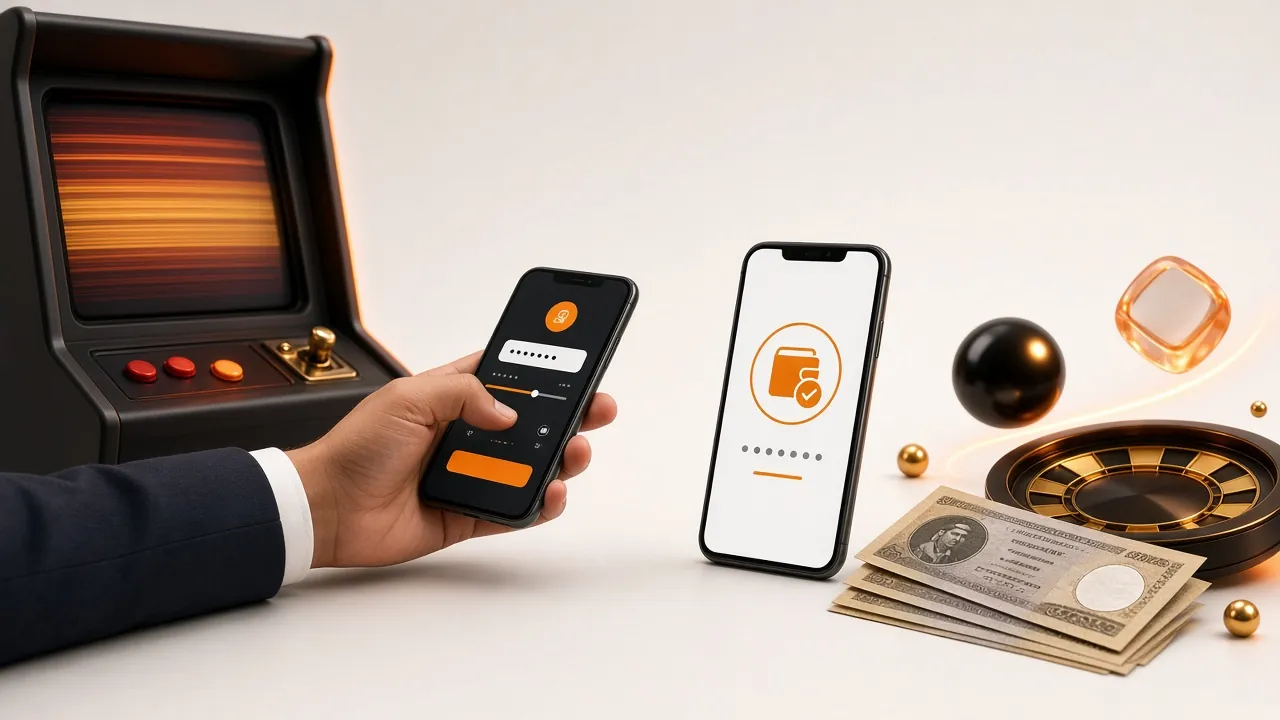
One account, one session. If the same number signs in on a second phone, the older session closes. That is normal, and it is also the fastest way to spot a login you did not make.
Forgotten the password? Get back in with three moves
-
Ask for the reset code
Tap Forgot password on the form above and type your mobile number. The code goes to that number by SMS, not to an email address, so there is no inbox to hunt through.
-
Prove the number is yours
Enter the code, then choose a new password of your own. Do not reuse your bKash PIN or a password from another site. The old one stops working the moment the new one is saved.
-
Sign in and reset the PIN
Open the app, log in with the new password and set a fresh PIN. If the SMS never turns up, live chat can send it again once your name and number match the account.
Before you reset, check one thing: the number on your SIM. A recycled number belongs to whoever holds it now, and a reset sent there hands over the account.
Deposits start at ৳400 through bKash, Nagad, Rocket or Upay, and the first top-up qualifies for the welcome offer.
Answers to the login questions we hear most
Can I use c88q login without downloading the app?
Yes. The full site runs in any modern browser on Android or iPhone, and every feature works there: cashier, bonus page, live casino and bets. The app is only a shortcut that adds the PIN. Nothing about your account changes if you stay on the browser.
Why does a new phone always ask for an SMS code?
The code proves the person typing is holding your SIM. A password alone can be copied from a borrowed phone or a screenshot, but the code only reaches the number on the account. Once a device is trusted, the code step stops appearing until you clear your cookies.
What happens if I keep typing the wrong password?
The form slows down and then blocks new attempts for a while, which is normal on any real-money account. Stop guessing and use the reset link on this page. Live chat can remove the block once your name and mobile number match what is stored.
Do I need to send documents before I can log in?
No. Documents are checked before the first withdrawal, not at login. Keep a photo of your NID, passport or driving licence handy, because the review takes up to 12 hours. Deposits, play and the lobby stay open while you wait. The withdrawal guide lists what is accepted.
Which Android version runs the c88q app?
Android 7.0 or newer, on a phone with room for a 58 MB install. The current build is version 2.6.18 and it is free to download. Older handsets should stay on the browser, which gives the same account with the same balance.
Can the same number be signed in on two phones?
One session at a time. Signing in on a second phone closes the first, which protects you if a relative or a stranger picks up the handset you left open. If you see a session end that you did not start, change the password straight away.
Signing in from the c88q app
The app keeps you signed in with a PIN instead of a password, and it opens straight to the lobby instead of a browser tab. Install it once on the handset you use for deposits, then log in with the PIN each morning. If the PIN ever fails, the password route on this page still works.